

How To Sign Up With Bet9ja Ghana
Bet9ja stands out as a platform that combines mainstream sports coverage, live wagering, virtual gaming, and casino content under one roof. For Ghana based players looking for a comprehensive sportsbook, this operator delivers solid depth across multiple categories.
There are several ways to create an account with Bet9ja, and each method takes only a few moments. This guide walks you through every registration option so you can pick the one that suits you.
Bet9ja Sign Up Requirements
Ghana residents planning to join Bet9ja should first review the platform's terms and conditions. The following requirements apply to all new users:
- Legal age: you must be at least 18 years old to open an account, as Bet9ja strictly enforces age restrictions to comply with gambling regulations in Ghana.
- One account per person: each player is allowed only a single account on the platform, and creating duplicate profiles may result in suspension.
- Valid mobile number: a working phone number is required during registration, since it serves as a primary verification and communication channel.
- Residency in Ghana: the platform accepts registrations from users who reside in Ghana and can confirm their location when required.
By signing up, users automatically agree to all these conditions. It is recommended to read the full terms and conditions available on the Bet9ja website before completing registration.
Online Registration Methods
Registering with Bet9ja takes only seconds as long as you have a stable internet connection, whether through mobile data or Wi Fi. You can sign up using a smartphone, tablet, or desktop PC through any modern browser.
Bet9ja App Registration
Bet9ja does not currently offer a dedicated mobile application for download. However, the mobile version of the website functions smoothly through any phone or tablet browser, providing a full registration experience without needing to install anything.
To register through your mobile browser, follow these steps:
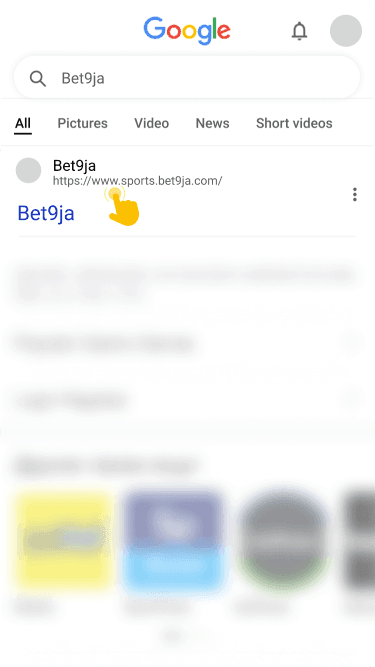
by typing the URL directly into your browser's address bar.
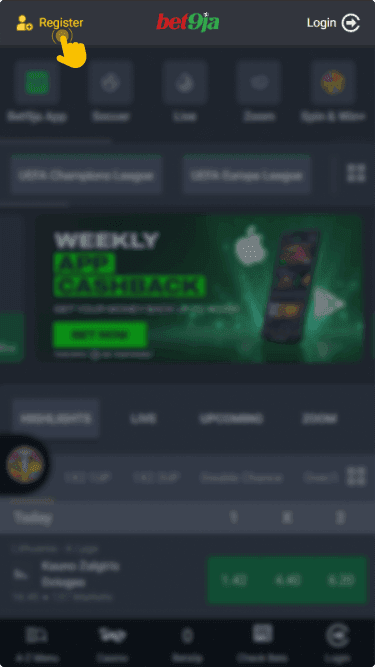
located in the upper right corner of the page to begin the sign up process.
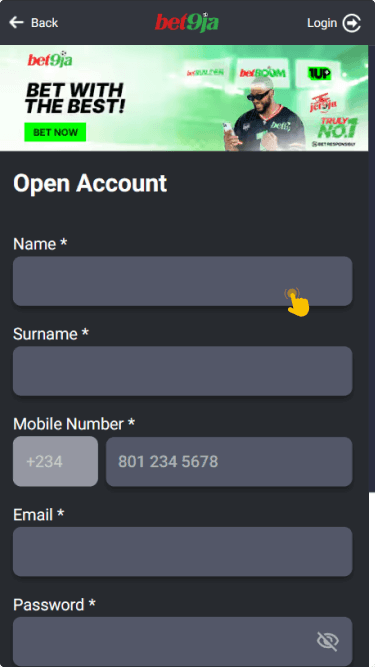
including your phone number, email address, and a secure password of your choice.
by following the on screen prompts to verify your account.
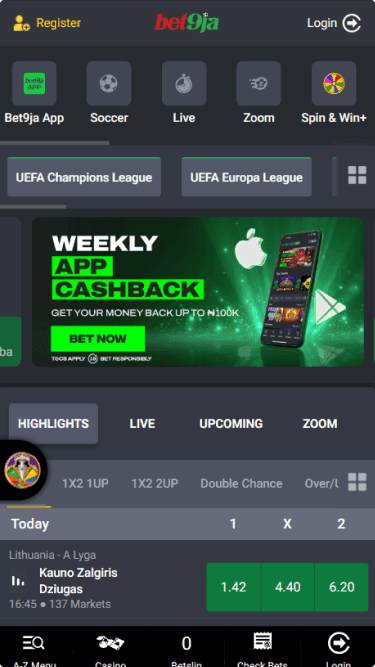
For seamless mobile access without any downloads, popular browsers such as Chrome, Safari, Opera Mini, and Firefox all work well with the Bet9ja mobile site.
Web Browser Registration
The registration process is similar across both desktop and mobile browsers. Regardless of which device you use, the steps remain consistent and straightforward.
- Visit the official site: open Bet9ja's website using any desktop or mobile browser and make sure you are on the legitimate domain.
- Click the Register button: locate the registration button in the upper right corner of the homepage and click it to proceed.
- Complete the form: enter your phone number, email address, and password in the registration fields that appear on screen.
- Verify your account: follow the verification instructions sent to your email or phone to activate your new Bet9ja profile.
Always use real personal data when filling out the registration form. During future withdrawals, Bet9ja will require you to confirm your identity, and any mismatched information could delay or block your request.
Offline Registration Method Via SMS/USSD
SMS and USSD registration options are not currently available for Bet9ja users in Ghana. The platform does not support account creation through mobile operator shortcodes in this region. If this method becomes available in the future, it would typically involve sending a keyword to a designated short code and receiving a confirmation message.
For now, the recommended approach is to register through the Bet9ja website using a mobile or desktop browser. This ensures a smooth and secure sign up process.
Bonuses For Bet9ja Registration
Bet9ja rewards both new and returning players with promotional offers. New users can look forward to a sports cashback offer after completing their registration and placing qualifying bets. The platform also provides freebets bonuses that add extra value to your wagering activity.
Beyond the initial welcome offers, regular players can access ongoing promotions. Check the promotions page frequently to stay updated on the latest deals available to your account.