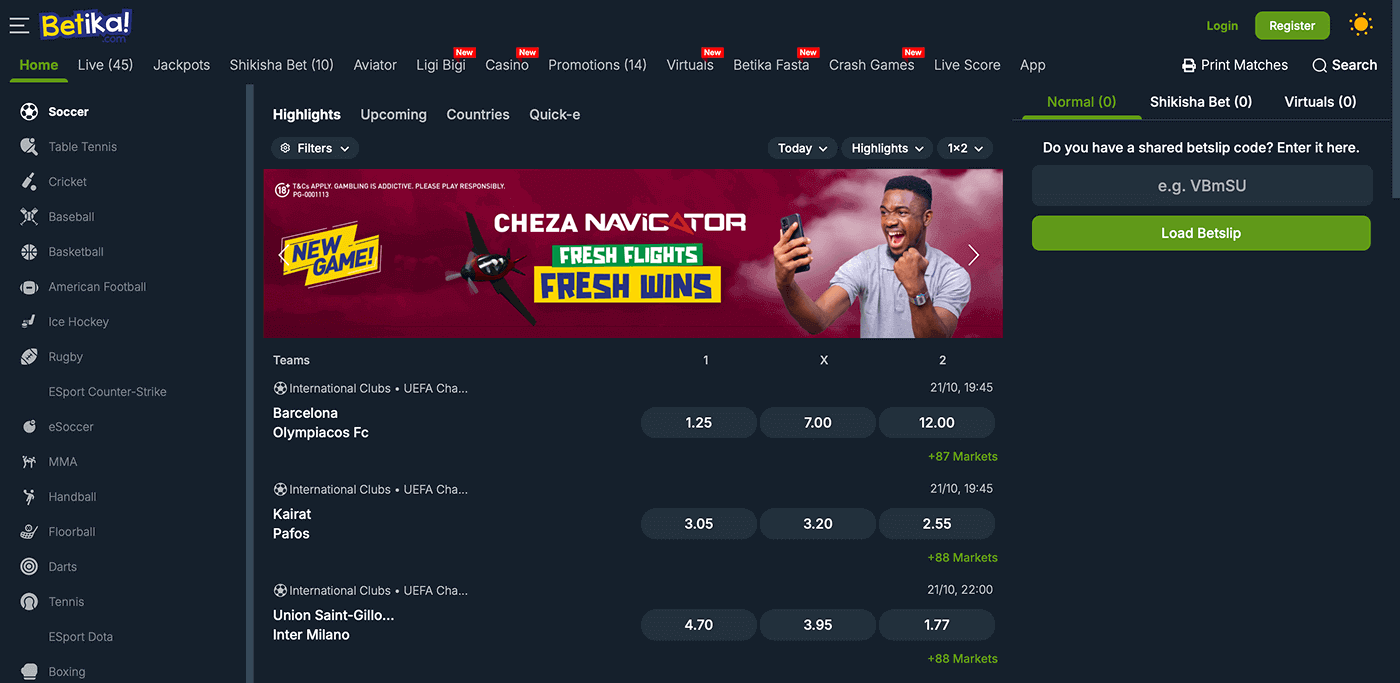
Login to Betika Account in 2026
Betika is also known for its diverse login methods.
| Method | Description | Link |
|---|---|---|
| Mobile app | Convenient for bettors on Android and iOS devices | Download the Betika App |
| Website | Standard option with complete features, highest data usage | Betika Website Login |
| Lite version | Perfect for slow connections and older devices | Betika Lite Login |
| Mobile site | Great for mobile users with low storage and limited RAM | Betika Mobile Site Sign In |
| SMS/USSD | Ideal for bettors with limited Internet connectivity |
Betika Login Requirements
Only users who have an existing Betika account can log in. There are just 3 important things you need to complete the login process.
- Valid mobile number – This should be the same one you used when you registered an account.
- Fast internet – A speedy connection, preferably 4G or Wi-Fi, helps ensure a smooth-sailing login process.
- Updated browser or app – Older versions can be incompatible, so it’s best to update first.
Mobile App Login
Android and iOS users in Ghana can both enjoy the portability and convenience of the Betika mobile app. Here are the specs to see if you can install it on your device.
| Parameter | Technical Requirements |
|---|---|
| Compatible operating systems | Android 8.0+, iOS Safari |
| System memory | 1-2GB RAM |
| Free device storage | 150-300MB memory |
| Network connectivity | Works on 2G/3G/4G and Wi-Fi |
Here is how to log in via the Betika app:
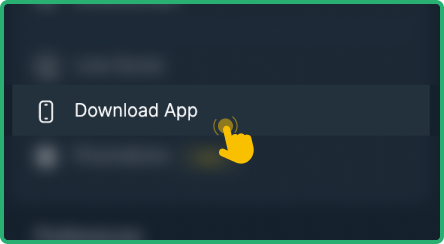
Use the verified download links from the official website to ensure a secure installation.
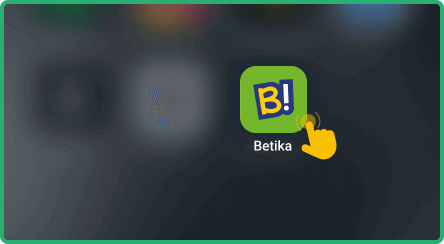
Launch the app on your phone or tablet to access the main interface.
Locate the login button in the upper-right corner of the app screen.

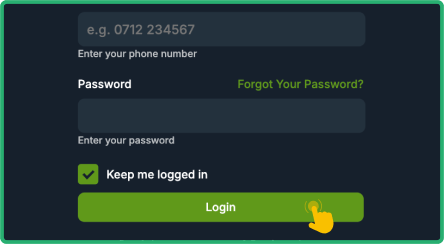
Provide your registered mobile number and password to access your account.


Lite Version Sign In
Betika’s Lite mobile site is perfect for smartphones and low-data situations. It loads faster and uses less data on weak networks. It also works well on older devices and keeps essential betting markets accessible with minimal clutter. However, some high-data features might be unavailable.
Using the lite version is so simple:
- Open the Betika Lite page.
- Enter your login details.
- Click on the Login button.
How to Sign In to the Betika Website
The easiest way to access your Betika account is via their website, which works on any device with an internet connection. Desktop and laptop users can open the full site, while mobile users can use the optimized mobile version. Regardless of the device and the website version, logging in follows the same simple steps:
- Open the official site – Use our posted link to safely access Betika’s website.
- Tap the login button – The black “Login” button with green letters at the top is easy to spot.
- Enter your details – Provide your registered phone number and password.
- Sign in – Press the green “Login” button at the bottom to access your account.