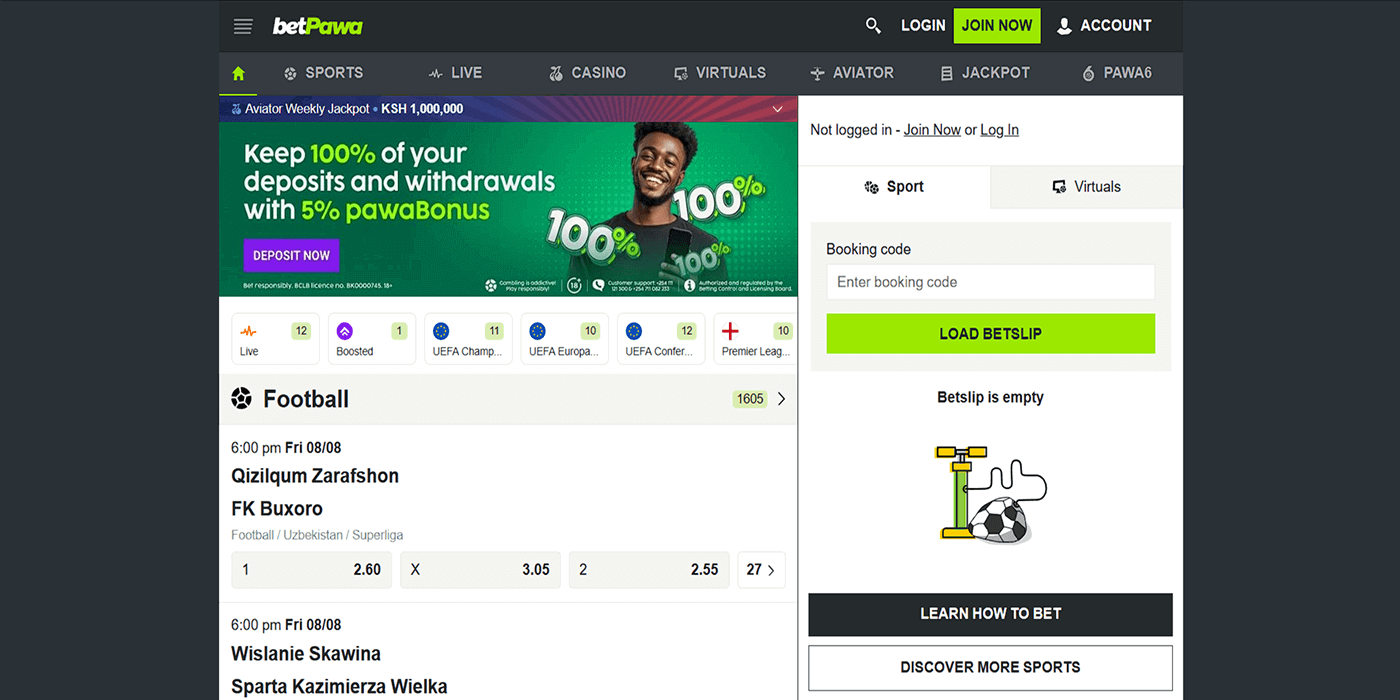
Login to BetPawa Account in 2026
Logging in to the platform is mandatory to access all the bookmaker’s features. It can be done in multiple ways – you just need to be connected to the internet.
| Method | Description | Link |
|---|---|---|
| Mobile app | Suitable for Android users | Download the BetPawa App |
| Website | Standard full-featured method | BetPawa Website Login |
| Lite version | Recommended for slow connections | BetPawa Lite Login |
| Mobile site | Good for mobile users with limited memory | BetPawa Mobile Site Sign In |
BetPawa Login Requirements
If you had already registered to BetPawa before, then logging in to your BetPawa account should be a walk in the park. All you need are these three things:
- The Ghana phone number you used when you signed up, and the password you created.
- A stable and preferably fast internet connection to ensure a hassle-free login process.
- Your preferred browser or the BetPawa app, updated to the most recent version.
Mobile App Login
Ghana players can use the BetPawa Android or iOS mobile app to log in, making the platform easy to access regardless of operating system or device. Here are the system requirements:
| Parameter | Technical Requirements |
|---|---|
| Compatible operating systems | Android 4.4+ or iOS 11.0+ |
| System memory | Minimum of 1 GB RAM |
| Free device storage | Minimum of 60 MB of free storage |
| Network connectivity | Stable mobile data or Wi-Fi |
The following is how to log in via Betpawa's mobile app:
Install it from the Google Play Store or Apple App Store on your device.

Tap the app icon to launch BetPawa on your smartphone or tablet.

Find the LOGIN option in the top-right corner of the mobile screen.

Enter your required information, then tap the login button to access your account.
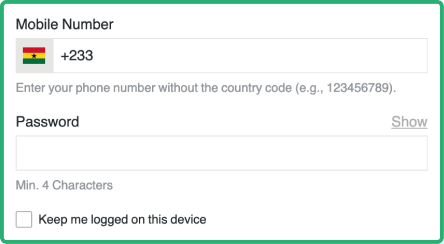


Lite Version Sign In
BetPawa doesn’t really have an official separate “lite” option, but its mobile site is extremely lightweight and works just like a lite experience. With this version, players can enjoy fast loading and lower data consumption, ideal for slow connections or older devices. To log in, get your mobile device, then follow these steps:
- Open your browser and follow the posted BetPawa link.
- Tap the Login button.
- Enter your phone number and password.
- Tap Log in to reach your dashboard.
How to Sign In to the BetPawa Website
All BetPawa login methods are very easy, but using the BetPawa website is the standard method and the most commonly used by Ghana players. You can sign in to the BetPawa website using any device and any operating system. Just make sure to follow the steps below for a smooth login process.
- Open the BetPawa website – Follow the link we have published to go to the official BetPawa website.
- Click the LOGIN button – it’s in the top-right corner of the screen on both the regular website and the mobile site.
- Enter your details – Enter your mobile number and password, making sure to type carefully to avoid errors.
- Submit your details – After entering your details, the LOGIN button below will turn green; click it to access your account.