

How To Sign Up With Parimatch Ghana
Parimatch provides a convenient platform for sports betting, live events, and casino entertainment all in one place. If you want to join, there are several ways to create your account depending on the device you prefer.
This guide walks you through each registration method step by step. Whether you use a phone, tablet, or desktop computer, you should find the process straightforward.
Parimatch Sign Up Requirements
Before creating an account, Ghana residents should familiarize themselves with the terms and conditions that apply to all new users. Understanding these rules helps avoid issues with account verification or future withdrawals.
- Legal gambling age: Players must meet the minimum legal age requirement in Ghana before signing up. This condition protects underage individuals and ensures compliance with local regulations.
- Residency in Ghana: The platform requires users to be residents of Ghana. Proof of residency could be requested during the verification stage to confirm eligibility.
- One account per person: Each player is limited to a single account. Creating duplicate accounts violates the platform's policy and may lead to suspension or permanent restriction.
- Active mobile number: A valid phone number is required during registration for verification purposes. This number also serves as the primary contact for account recovery and notifications.
By completing the sign up process, users automatically accept these conditions. It is advisable to review the full terms and conditions on the official Parimatch website.
Online Registration Methods
Users can sign up with Parimatch within seconds as long as they have a stable internet connection. The process works on phones, tablets, and desktop computers through either the dedicated app or a web browser.
Parimatch App Registration
Parimatch offers dedicated applications for both Android (version 5.1 or higher, 51.3 MB) and iOS (version 10.0 or later, 114.5 MB). Using the app allows you to register and place bets from anywhere on your phone or tablet. The apps are available for free download directly from the official Parimatch website.
Follow these steps to register through the app:
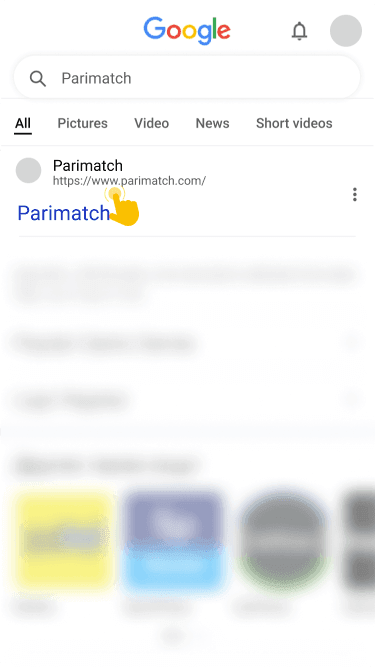
Visit the official Parimatch website on your mobile device using any browser to access the download page for your operating system.
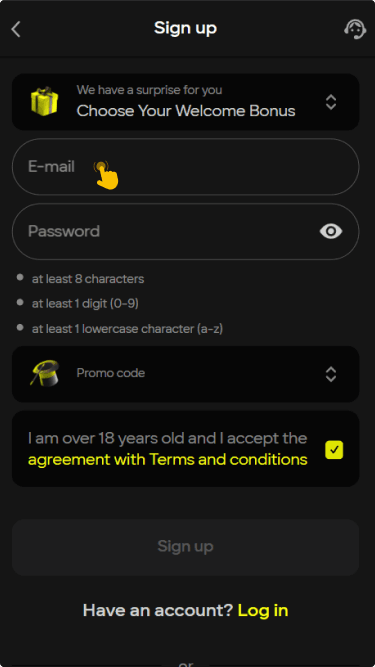
Create a new account by tapping the Sign Up button, then enter your phone number and set a password to complete the registration form.
Download the application file from the website. iOS users can also check the App Store for availability.
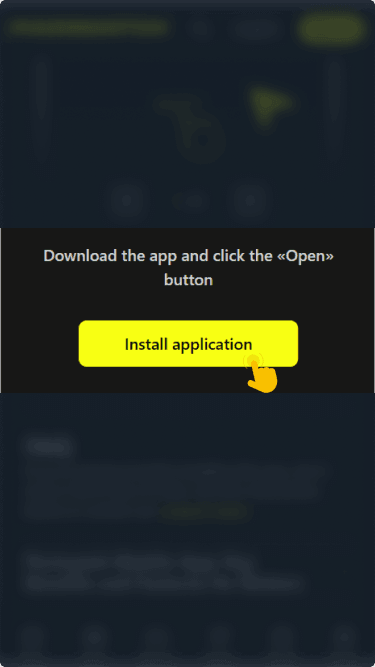
If you are on Android, allow installations from unknown sources in your device settings, then open the downloaded file and install the app.
If you prefer not to download the app, you can still access Parimatch through mobile browsers such as Chrome, Safari, or Opera Mini. The mobile site offers a similar experience without taking up storage space on your device.


Web Browser Registration
The registration process is nearly identical across mobile and desktop browsers, so you can follow the same steps regardless of which device you use.
- Open the official Parimatch website by typing the URL into your browser's address bar on a PC, tablet, or phone.
- Locate the Sign Up button in the upper right corner of the homepage and click on it to begin the process.
- Fill in the registration form by entering your phone number and creating a secure password as prompted on screen.
- Verify your account by confirming the code sent to your mobile number to activate your profile and gain full access.
Always use real personal data when registering. Parimatch requires identity verification before processing withdrawals, so any false information could delay or block your access to funds.
Offline Registration Method Via SMS/USSD
This registration method is not available for Parimatch users in Ghana. The platform currently supports only online registration through its website and mobile applications. To create an account, please use one of the online methods described above.
Bonuses For Parimatch Registration
Parimatch rewards both new and regular players with a range of promotional offers. Generous bonus options are available right from the moment of account creation.
New users can claim a Welcome 50% Bonus after completing the registration process. This offer applies to the first deposit and provides additional funds to explore sports betting and other features on the platform.
Beyond the welcome offer, regular players have access to VIP and weekly cashback promotions as well as free bets. These ongoing rewards keep the experience fresh and give players additional chances to engage with the platform.